Liam's Tech Art & Animation
VR Locomotion
The Problem:
In our Architectural VR demos and prototyping tools, we need locomotion that is able to be:
- Precise in a 3D space
- Variable Speed
- Compatible with "training wheels"
- Usable by stakeholders that want to contribute from the keyboard and mouse while someone else has the headset on (client reviews)

Sample to do list (should be quick and easy)
- Start on ground near trees
- Review view from bridge
- Go to third floor elevators
- Toggle options for first floor retail space
- See view from roof level
- Check view of garage from across the street
The Starting Point
Jumping off from VRTK, "sliding" locomotion, and beam based teleportation were already available. Here, all I needed to do to get something immediately usable was add:
- Jump and "height lock" to "sliding" locomotion
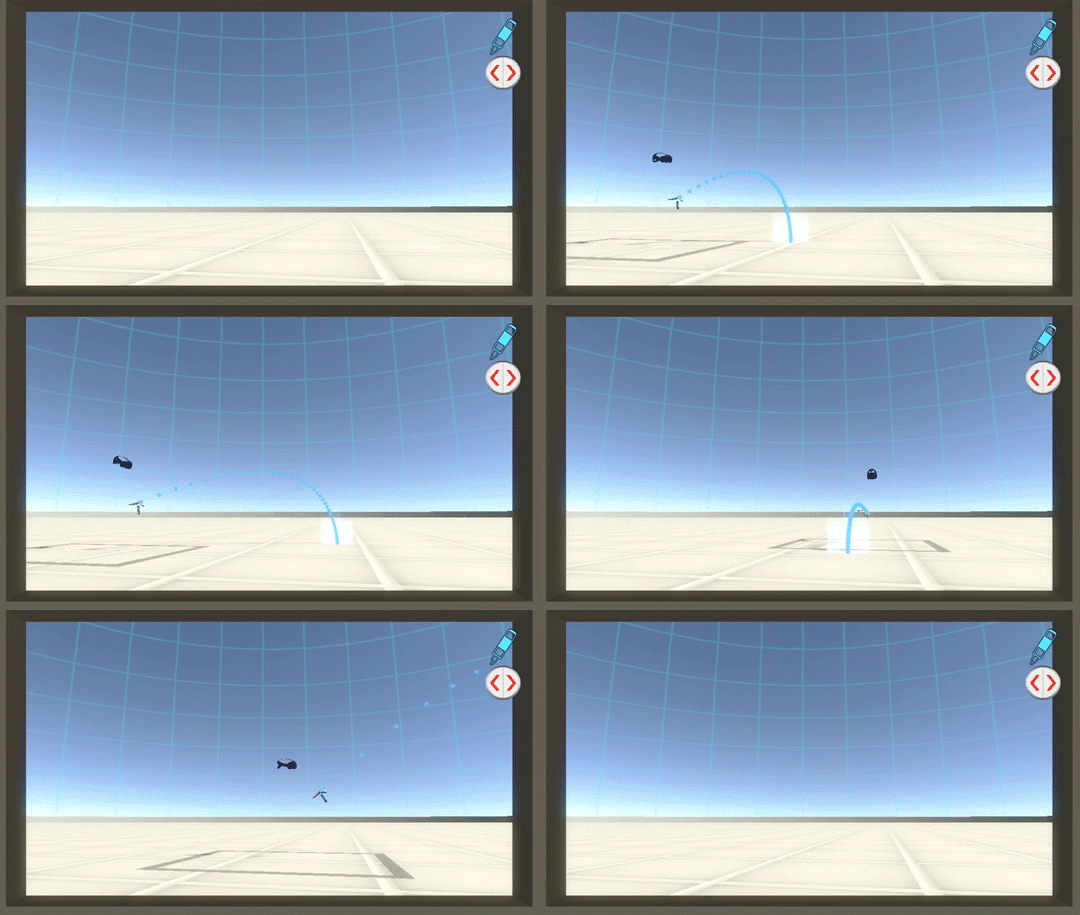
- Beam length adjustment to the "teleport" locomotion
- The ability to import teleport spots from our DCC software and access them through either an in-game list, or keyboard shortcuts (for clients)
Limitations & Iteration
While this was functional at a base level, I found the following common problems:
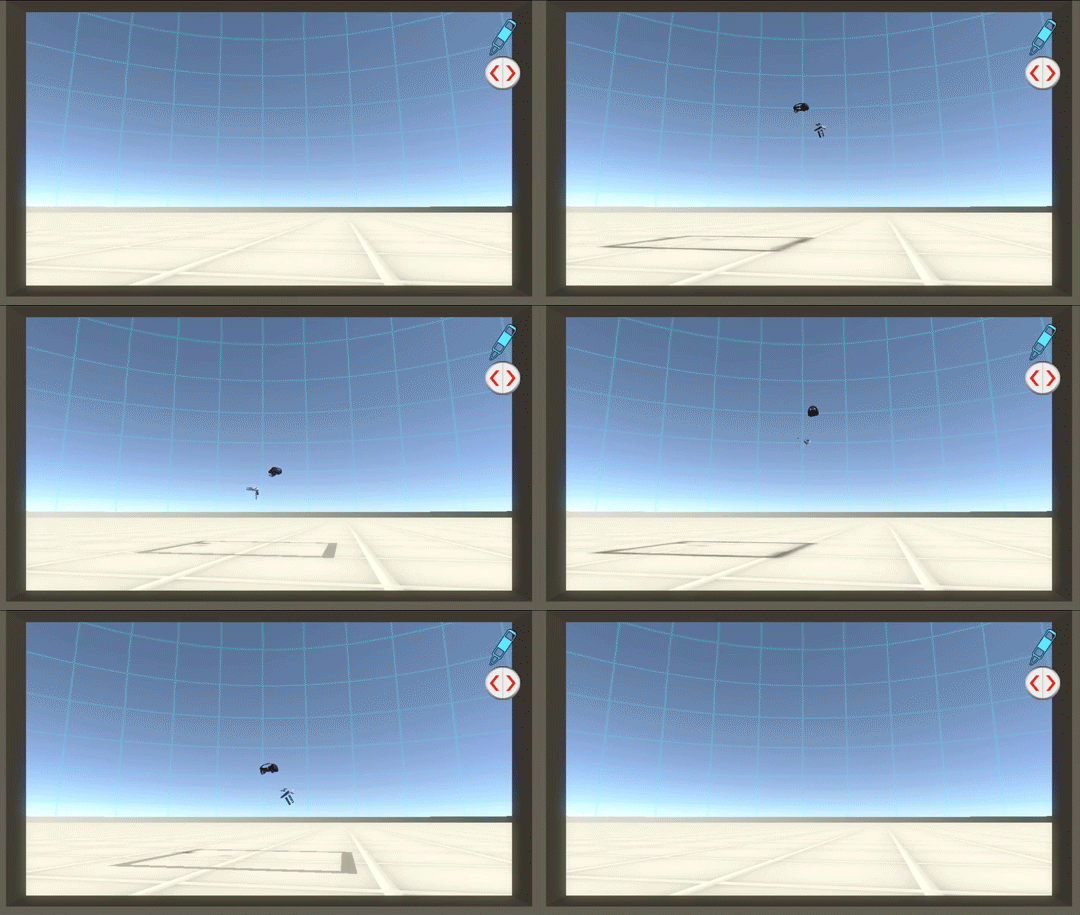
- "Sliding" locomotion was suitable for advanced VR users, but newcomers would get motion sickness
- "Sliding" locomotion when jumping and using the "height lock" made many users uncomfortable, especially those with a fear of heights.
- "Teleport" locomotion required a surface collision, so the "easy" version of locomotion couldn't move freely through the air
- Changing the scale of movement was frustrating. Increasing slide speed was unwieldy, and teleport beam length was hard to judge.
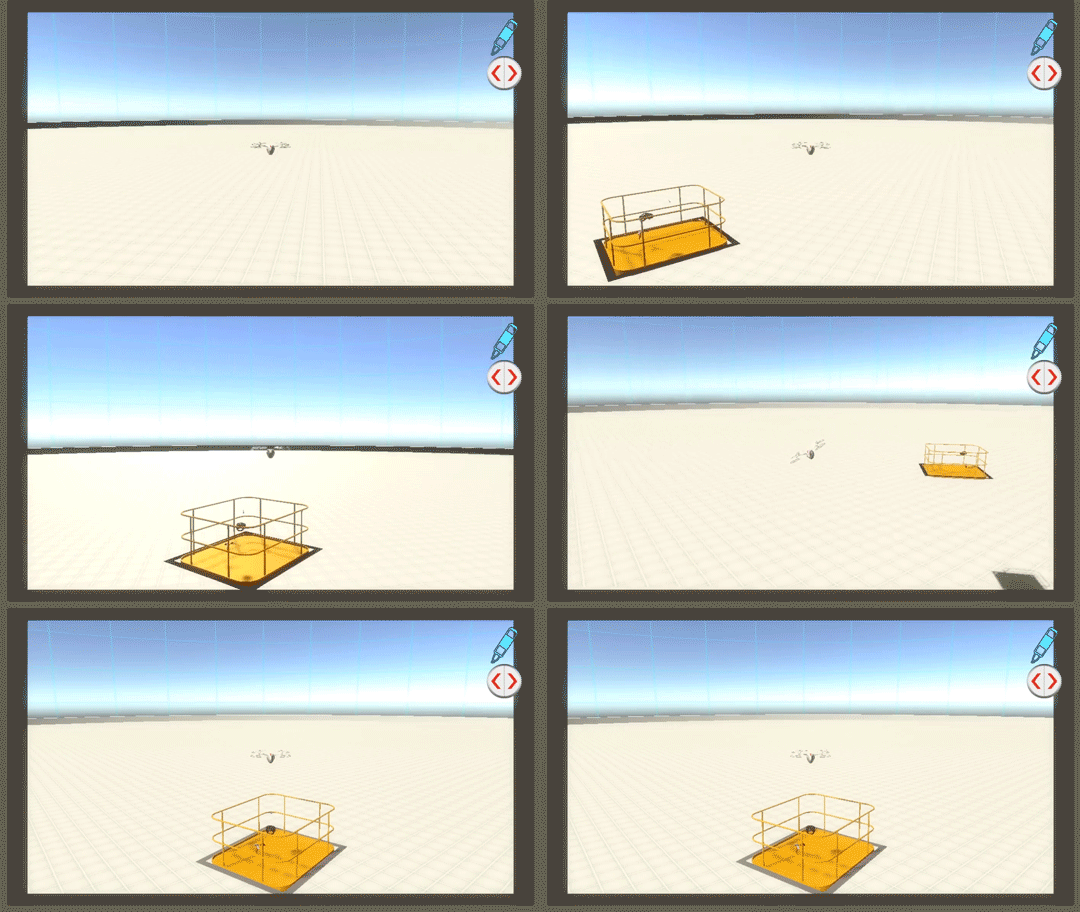
To address these concerns, I developed "The Lift"
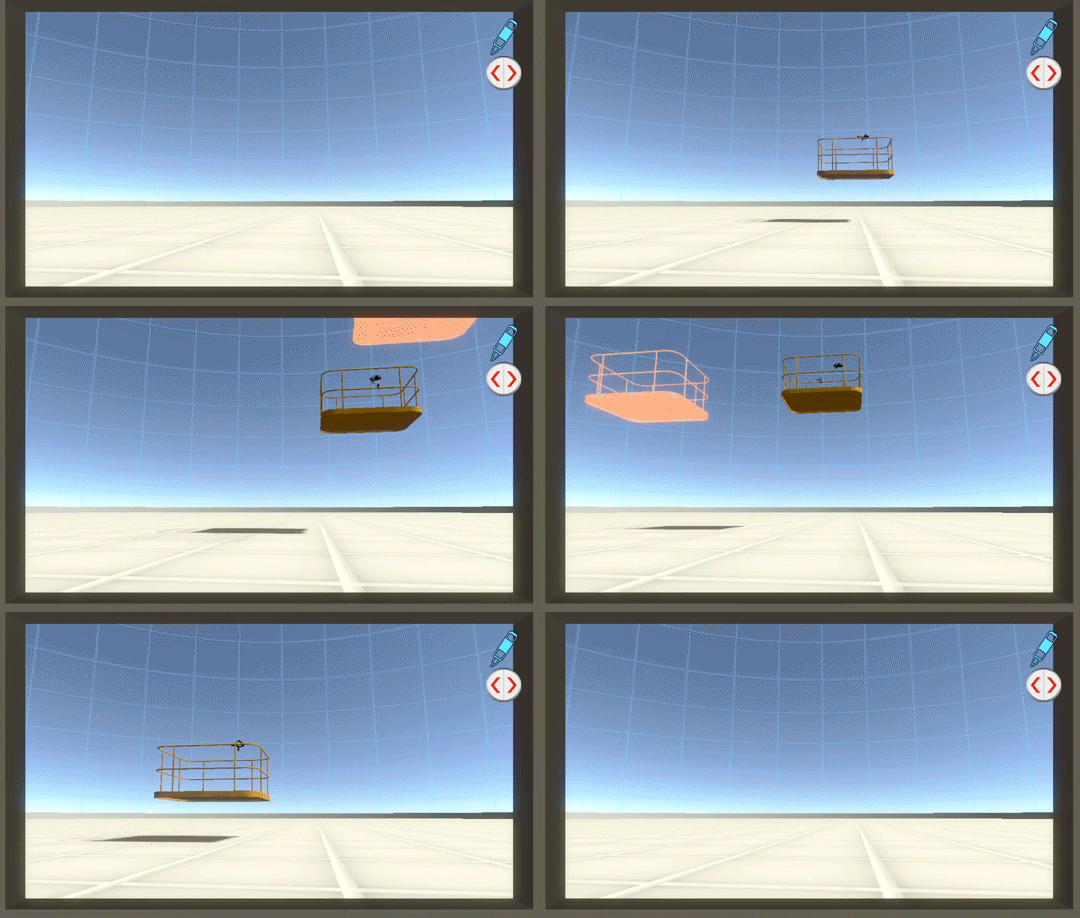
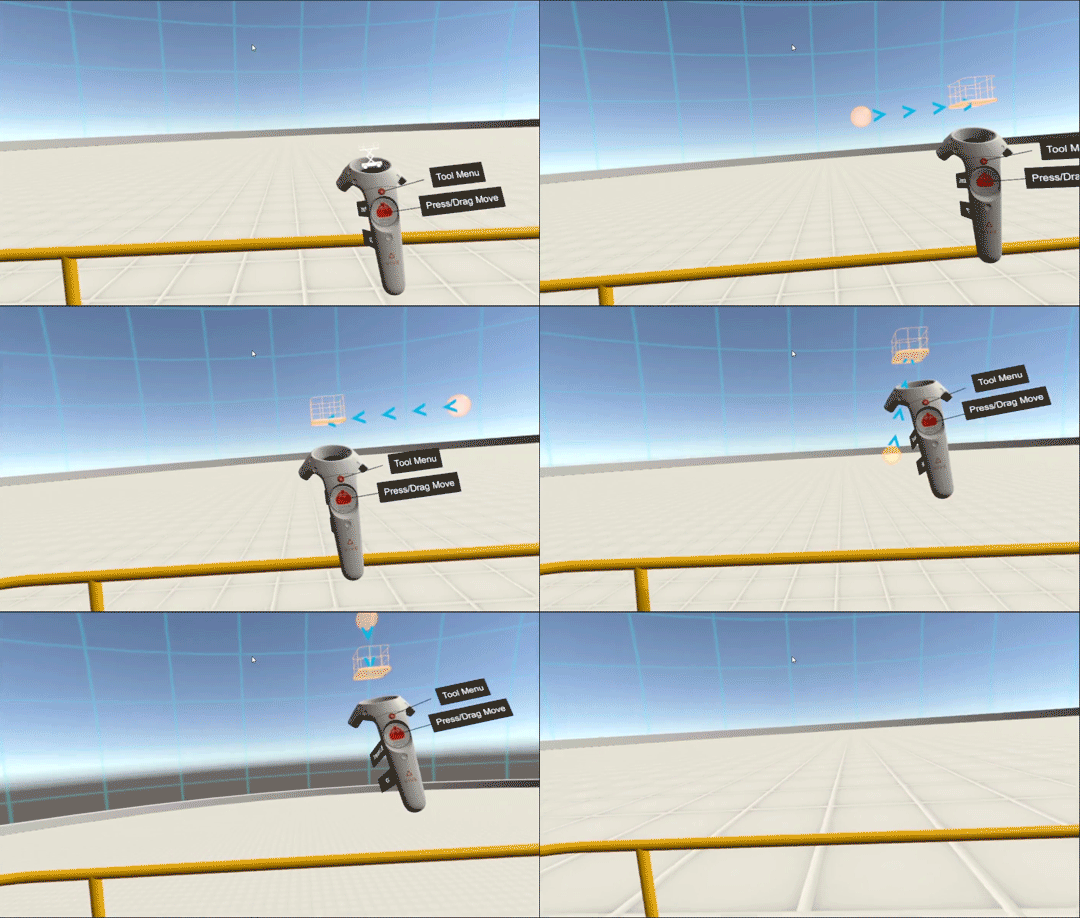
Notable Features:
- Being able to "slide" or teleport in the same locomotion method gives more options without locomotion method switching
- Movement speed is determined by the distance from the starting point of the click/drag, so users can get precise and dynamic movement speeds
- Vibrations offer tactile feedback for movement speed, increasing in intensity when moving faster
- The mesh for the lift helps people feel like they're not floating and helps with vertigo
- During the click/drag, collisions are disabled, allowing users to go through floors for model reviews
- The model has a type of custom 3D "9 sliced" resizing, so no matter what size the play space is, the rails stay on the edge of the movable space.

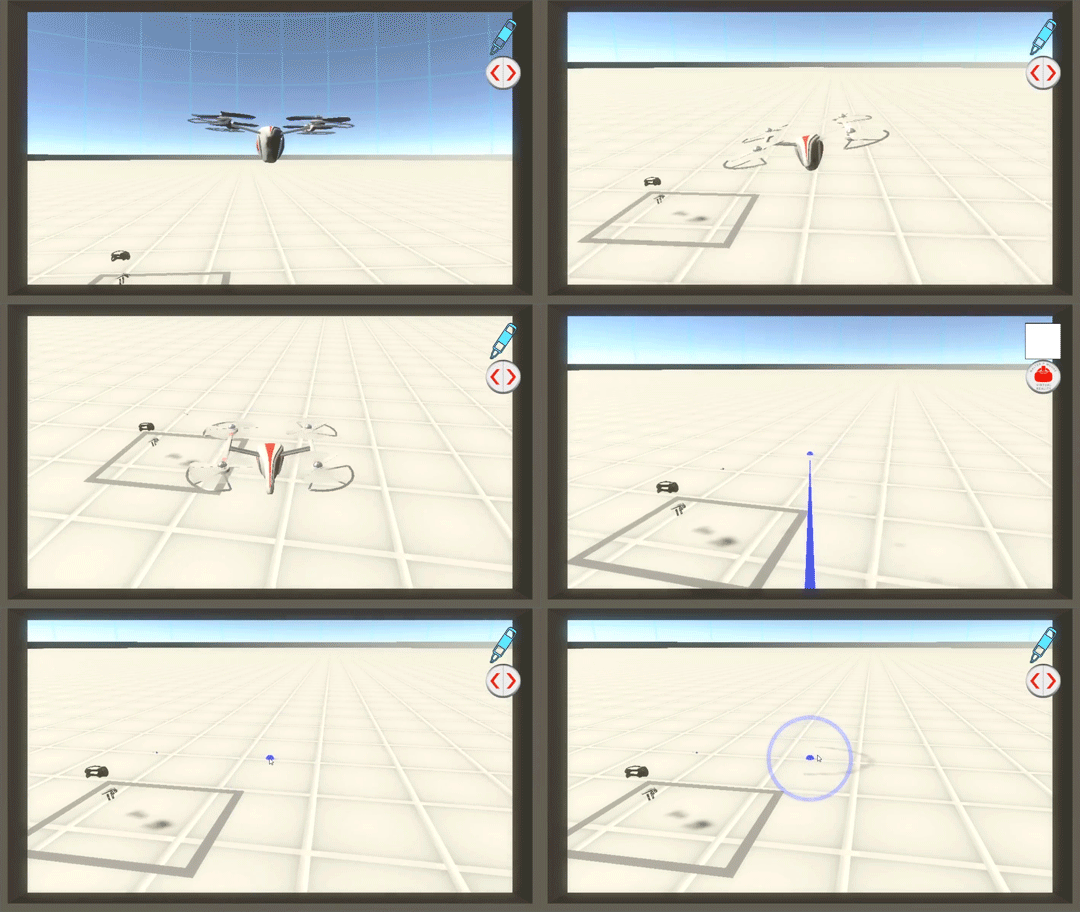
And for those that are in the meeting without the headset on...
This drone allows a nearby user to point things out to the VR player, and teleport them around if needed. It can also use all the player's VR tools, and if the build is started without a VR headset connected, you can navigate the environment with the drone by itself.